
A tablet becomes your vital signs monitor
Install the app on an Android tablet, place it next to the manikin and drive the vitals from your phone. No internet connection is needed during the exercise.
Read the documentationWhat the trainees see
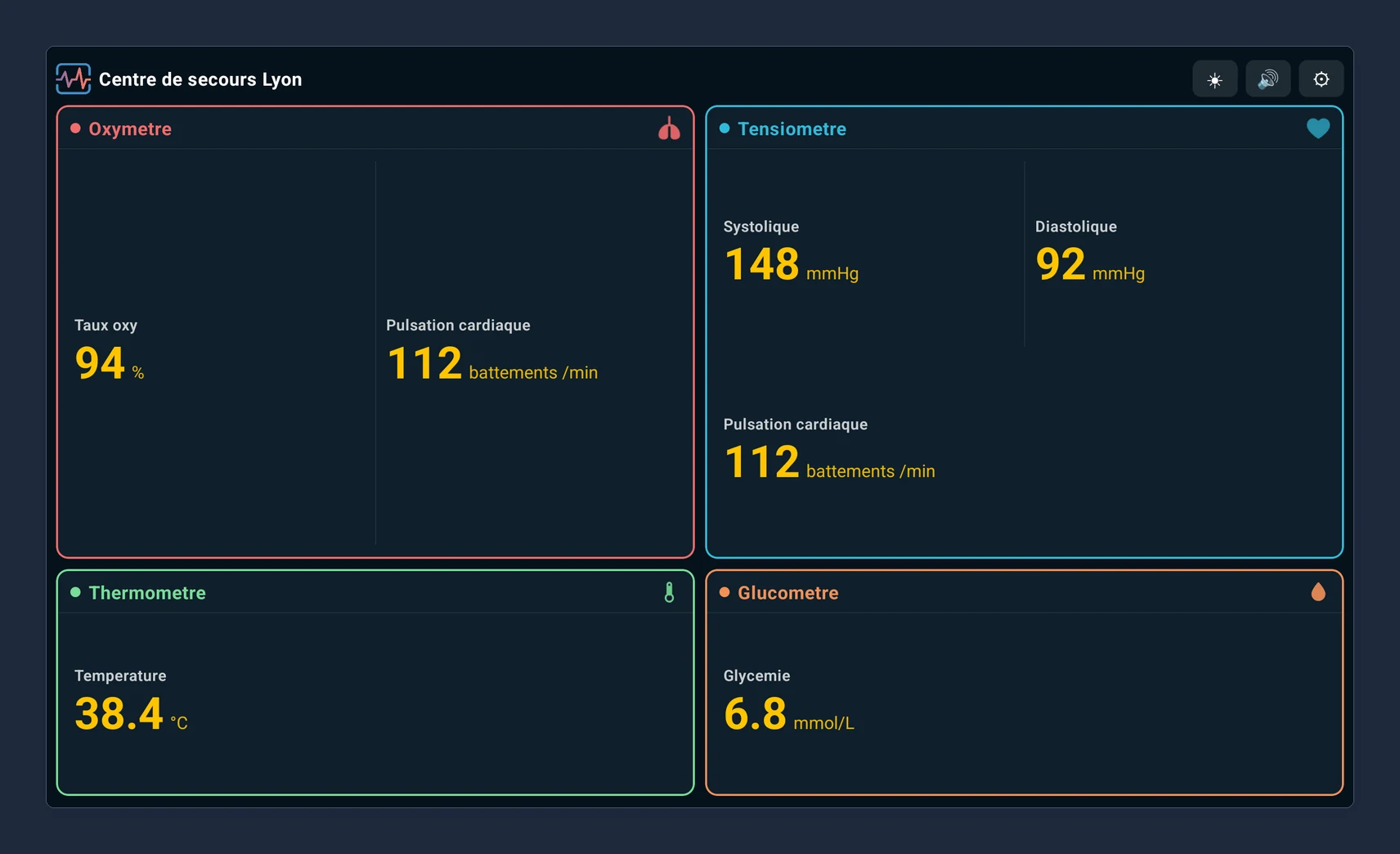
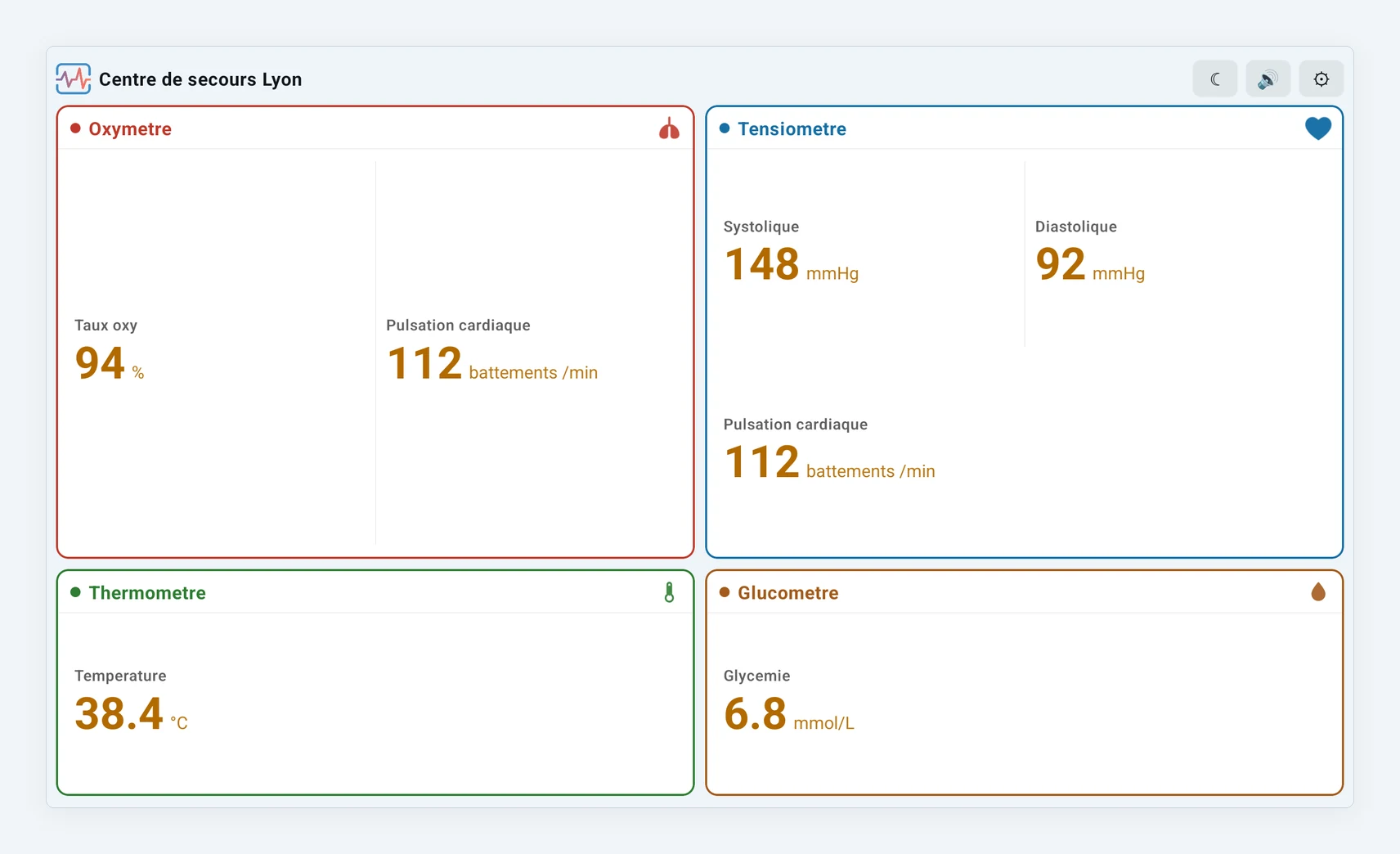
Four quadrants readable from across the room: cardiac, respiratory, glycemia and haemorrhage. A hidden measurement shows a dash rather than a misleading value.
Raising an alarm
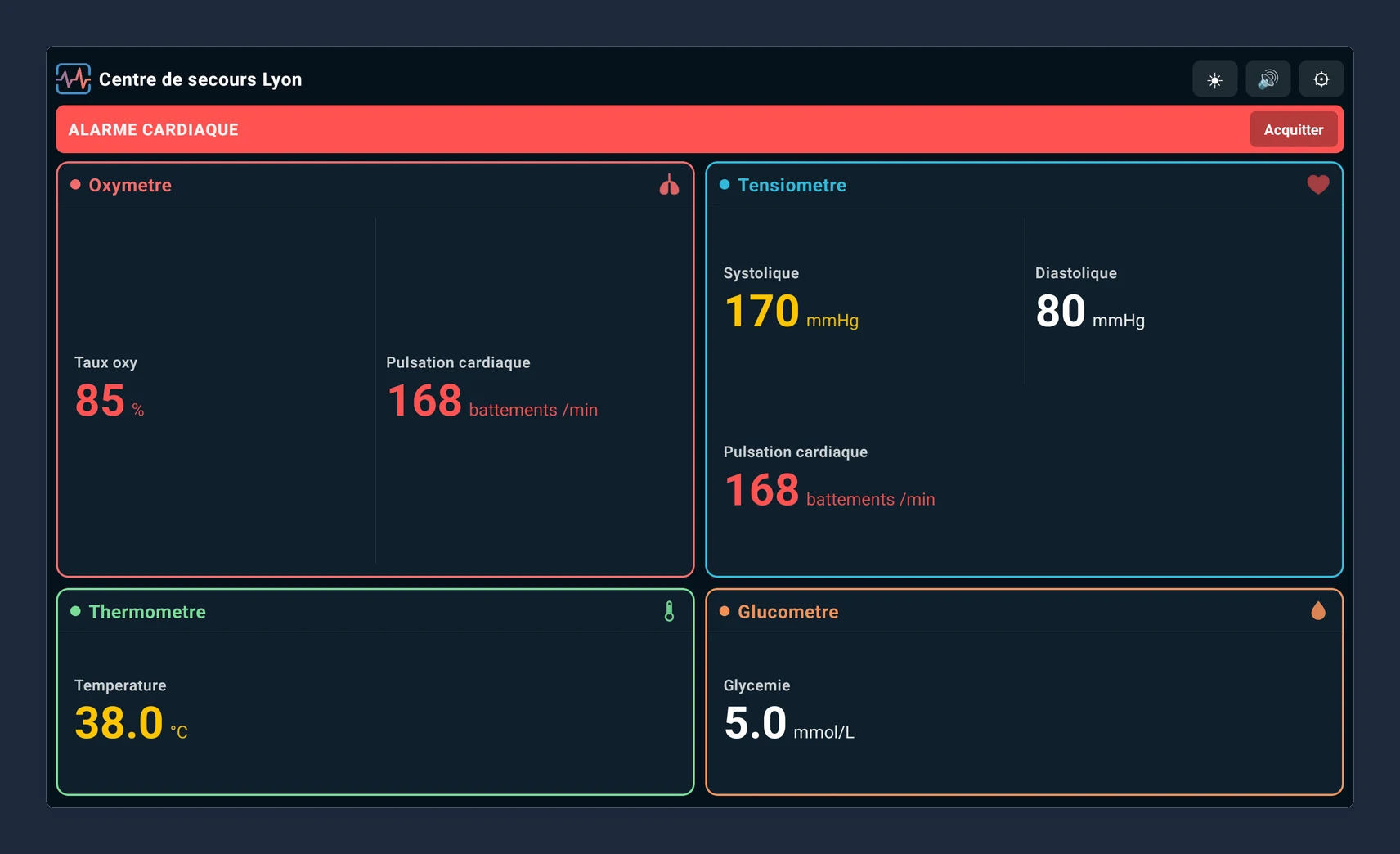
A cardiac, respiratory or haemorrhage alarm, or a loss of consciousness, colours the matching quadrant, shows a banner and starts the sound. The trainer can acknowledge the sound without clearing the alert from the screen.
Apply a scenario in one tap
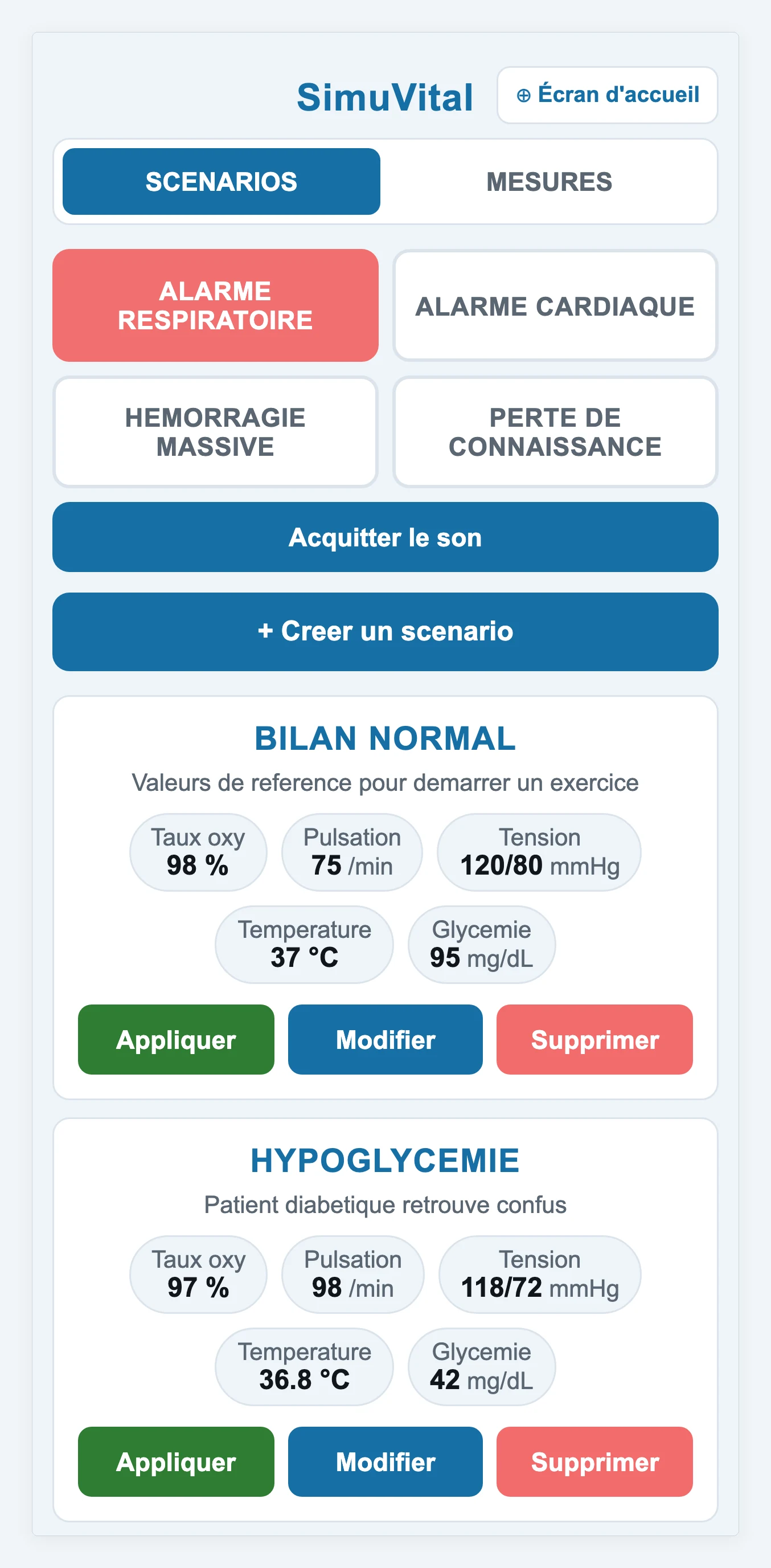
Prepare your clinical cases once, then apply them during the session. The trainer picks the scenario on their phone and every measurement on the tablet switches at once, alarms included.
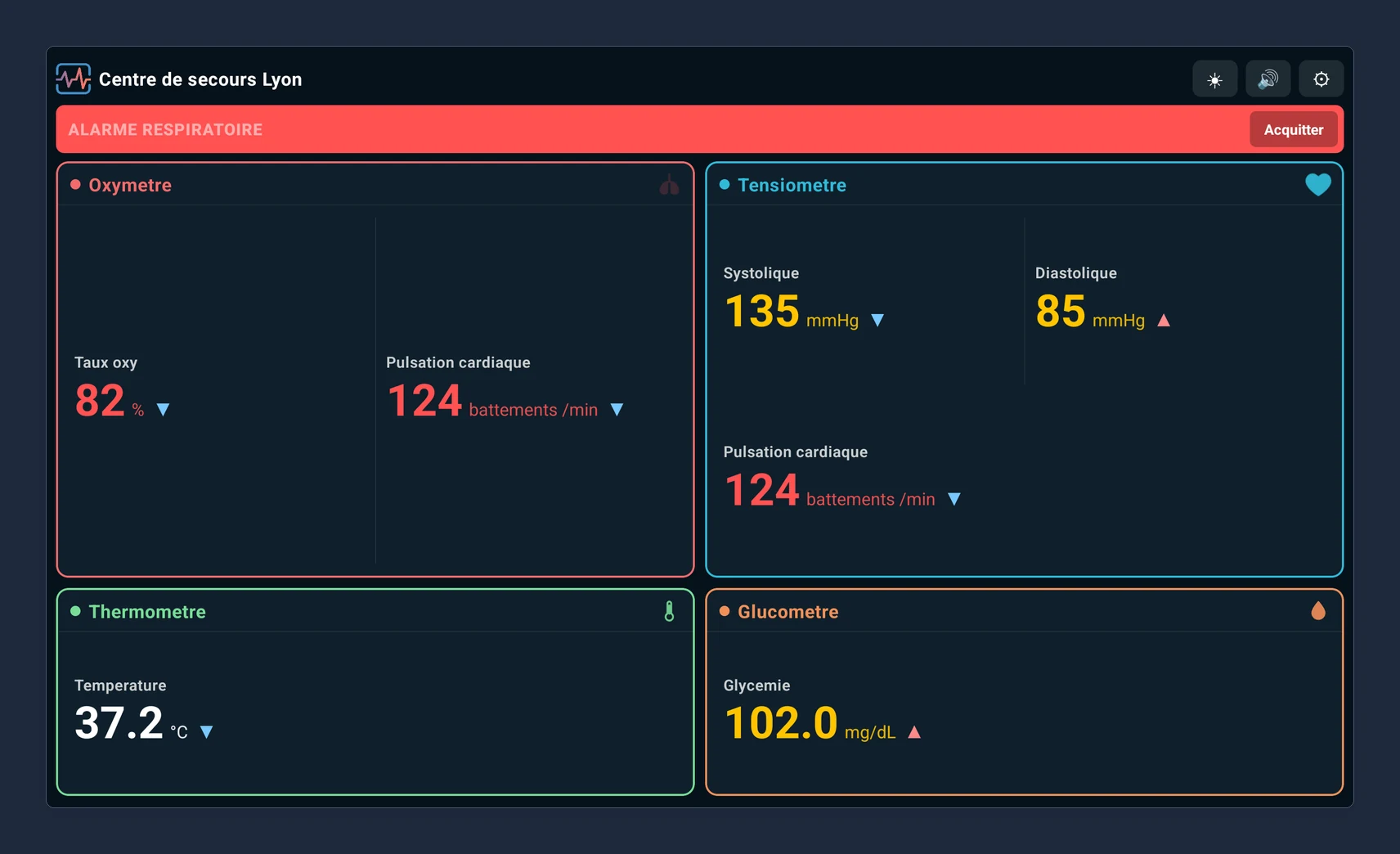
Driving it from a phone
The tablet creates its own WiFi access point. The trainer joins it from a phone and opens the control console in the browser — nothing to install.
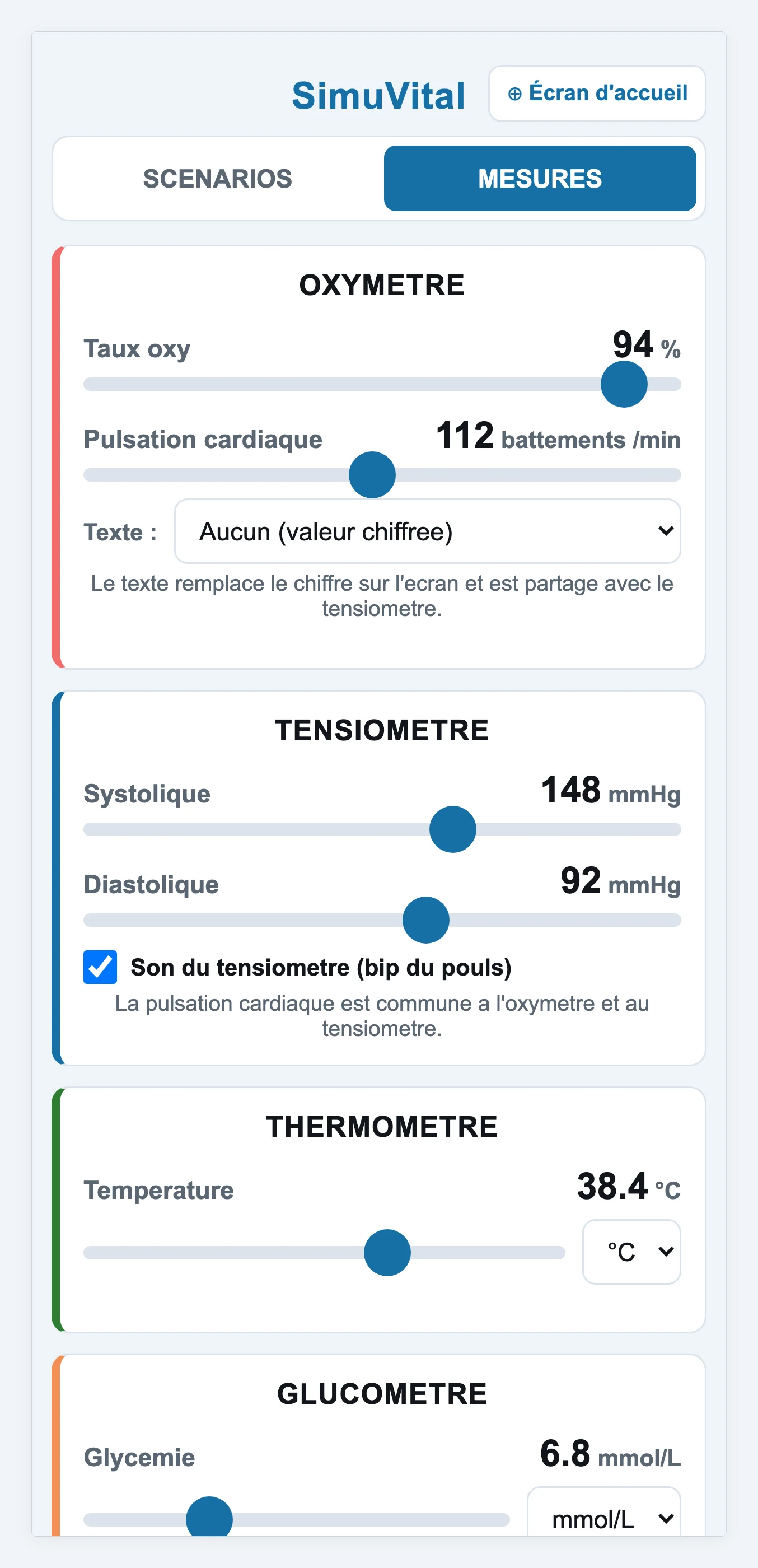
Fully offline
The tablet creates its own WiFi network. No internet connection is required during an exercise, only for the initial enrolment.
Saved scenarios
Prepare your clinical cases in advance and apply them in one tap during the session, instead of dialling each measurement in one by one.
Audible and visual alarms
Raise a cardiac, respiratory or haemorrhage alarm, or a loss of consciousness. The matching quadrant flashes and the sound can be acknowledged.
Kiosk mode
The tablet stays locked to the app, so trainees cannot leave it by accident during the exercise.
French units
Blood glucose in mg/dL, mmol/L or g/L, temperature in °C or °F, and blood pressure typed in the short form converted automatically to mmHg.
Remote updates
Publish a new version from the admin area: enrolled tablets pick it up the next time they connect.
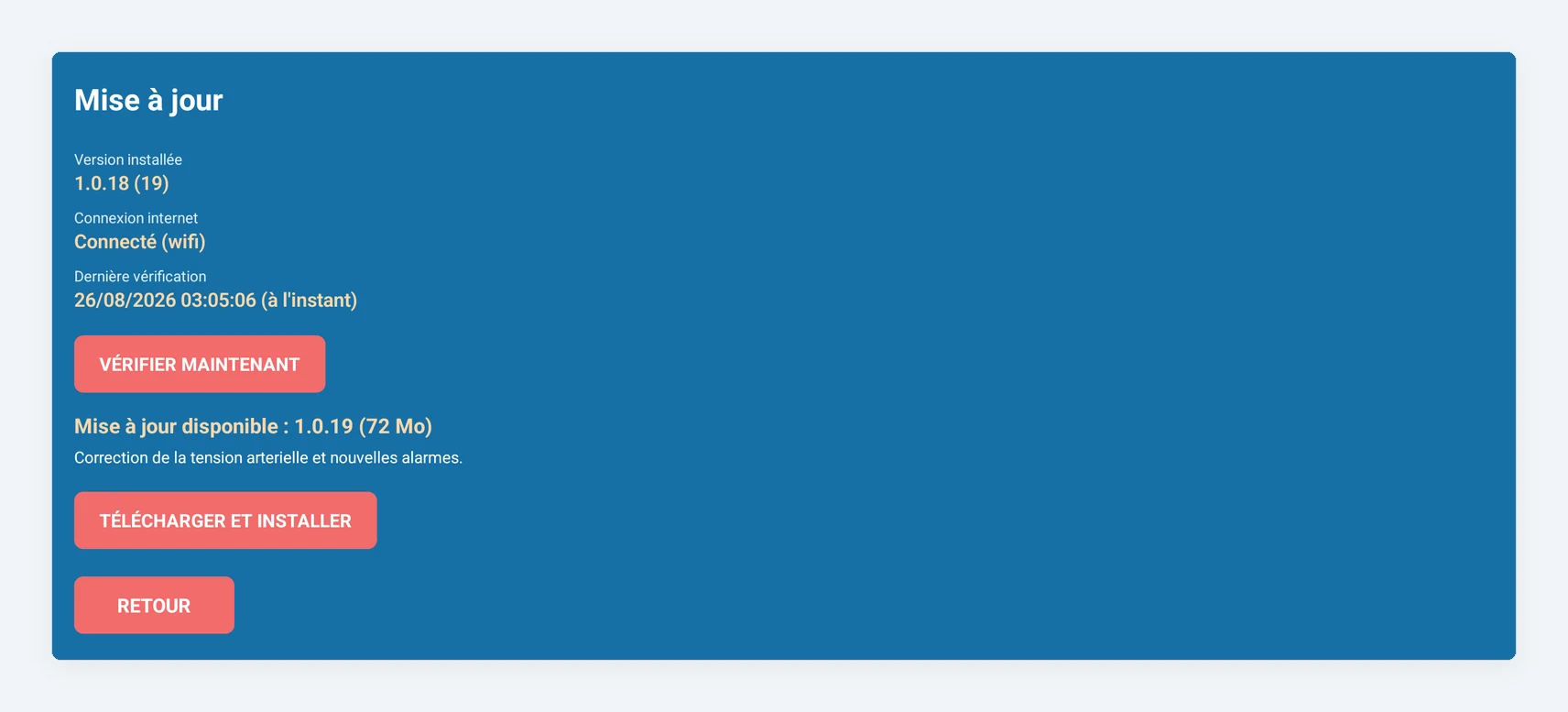
Updating the tablets
Publish a version from your admin area. Each tablet sees the update the next time it reaches the internet, along with the release note, and installs it in one go. No file handling.
Getting started
- 1
Install the app
Download the APK from your admin area and install it on the tablet.
- 2
Enrol the tablet
Enter the enrolment code from your administrator. An internet connection is only needed for this step.
- 3
Join the access point
The tablet shows the network name and password. Connect your phone to it.
- 4
Run the session
Open the console in the phone browser and adjust the vitals live.